Footfall and occupancy counting
Count entries and exits at equipped doors. Use presence or headcount sensors to understand when individual spaces are used.
A Redzone IPC product
See what’s happening across your sites.
Count people, track room conditions, and monitor equipment and utilities. Get alerts when readings need attention and use the history to decide what to do next.
Example sensor readings
What you can measure
Count entries and exits at equipped doors. Use presence or headcount sensors to understand when individual spaces are used.
Trend temperature, humidity and CO₂. Investigate recurring excursions or periods of elevated CO₂.
Check tanks, track flow and pressure, and flag water at a leak detector. Plan refills and investigate unusual readings.
Review power demand and energy use. Find recurring spikes or usage outside operating hours.
Watch switch or door state and, with suitable inputs, equipment runtime. Review when assets are in use.
Identify weak signals, low batteries and missing readings so you can prioritise sensor checks.
Measurements depend on the connected hardware and installation. Estimating building occupancy from doorway counts depends on entrance and exit coverage.
Where you monitor
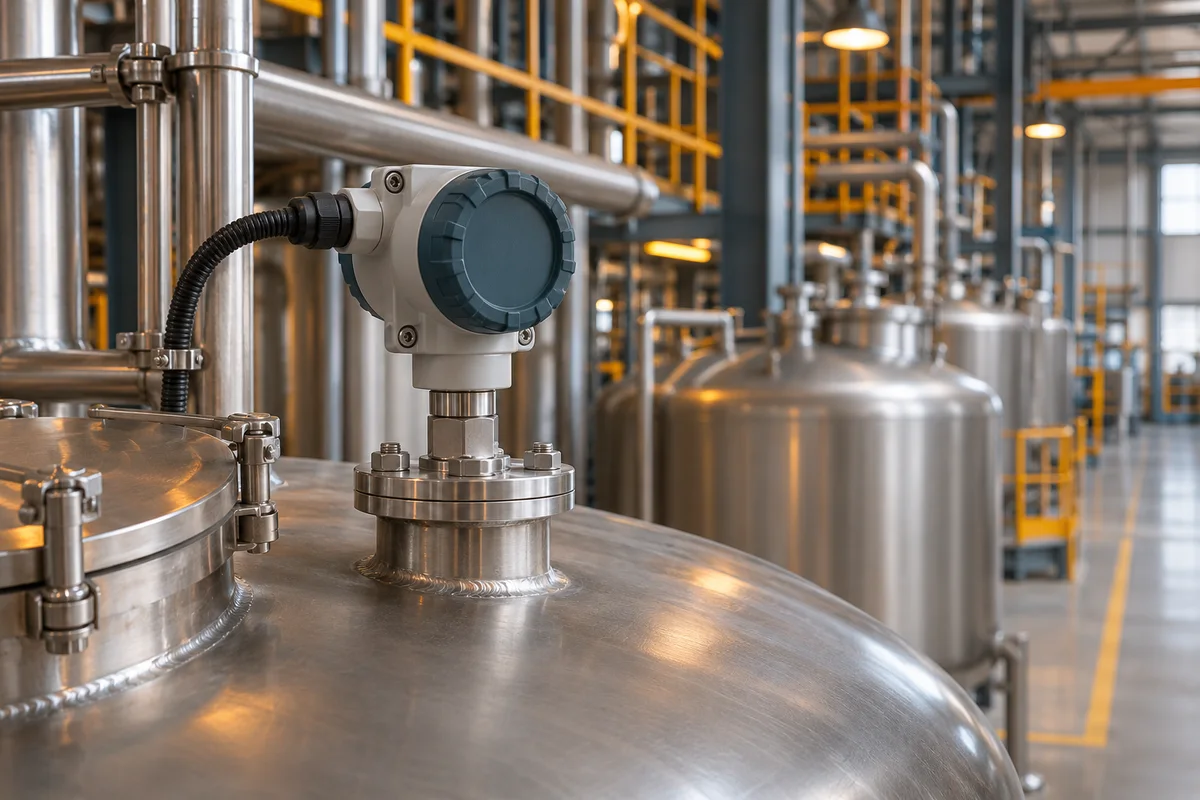
Monitor process tanks, utilities, storage conditions and equipment across a facility. Use level trends to plan the next refill.

Compare footfall, room usage and environmental conditions across buildings. Use those patterns to review space allocation or investigate ventilation.
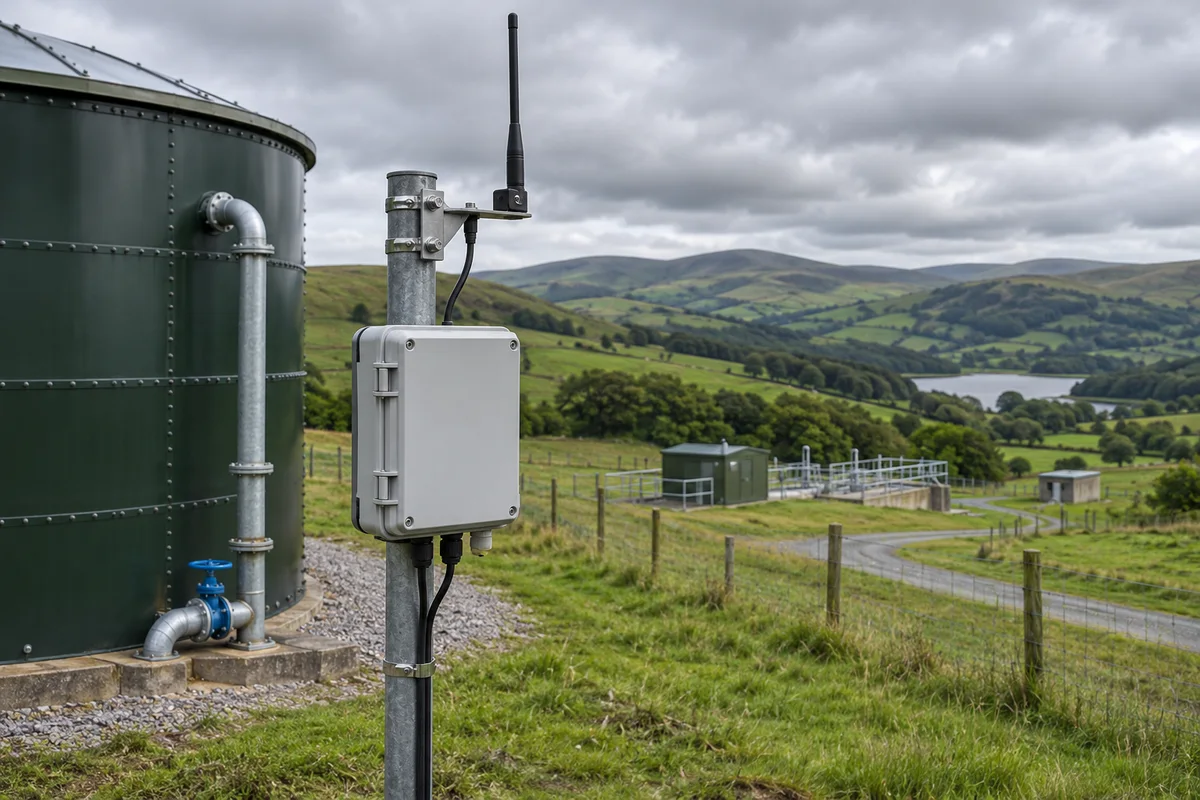
Review distributed sites and remote assets together. Prioritise a refill at one depot and investigate a missing reading at another.
Images illustrate common sensor installations.
Alerts & response
Set warning and critical thresholds for supported measurements. Flag values above or below a limit, readings outside a range, a reported state, a low battery or a sensor that stops reporting.
Choose whether to alert immediately, wait for a condition to persist, or require consecutive readings. Route email to verified contacts, and acknowledge, assign or resolve incidents as your permissions allow.
Learn how to configure alerts →Example incident · Plant
Why TRUCount Pro
View different sensor types in one place. Group readings by site and use maps and dashboards to find the devices that matter.
Review charts and reports to see when a change started and whether it repeats. Export supported data for further analysis.
Use incident history, assignments, escalation and planned maintenance to organise who responds and record what happened.
Explore all platform features → · Learn about sensor ingest →
It monitors footfall, occupancy, room conditions, tanks and leaks, energy, equipment state and the health of connected sensors.
Yes. Use time filters to review historical readings and export the selected data as CSV.
Yes. Configure persistence so a condition has to remain in breach before alerting. You can also configure clear conditions.
The team can acknowledge and assign an incident, notify email contacts and configure escalation. Maintenance or suppression windows can help manage planned work.
Sensors can be onboarded individually or in bulk. The platform also supports authenticated JSON ingest and payload mapping.
Yes. Dashboards and maps group readings by site or group. Role-based access controls which sites and customer data a user can access.
Customer guides
Browse readings, manage your account, configure alerts and handle incidents.